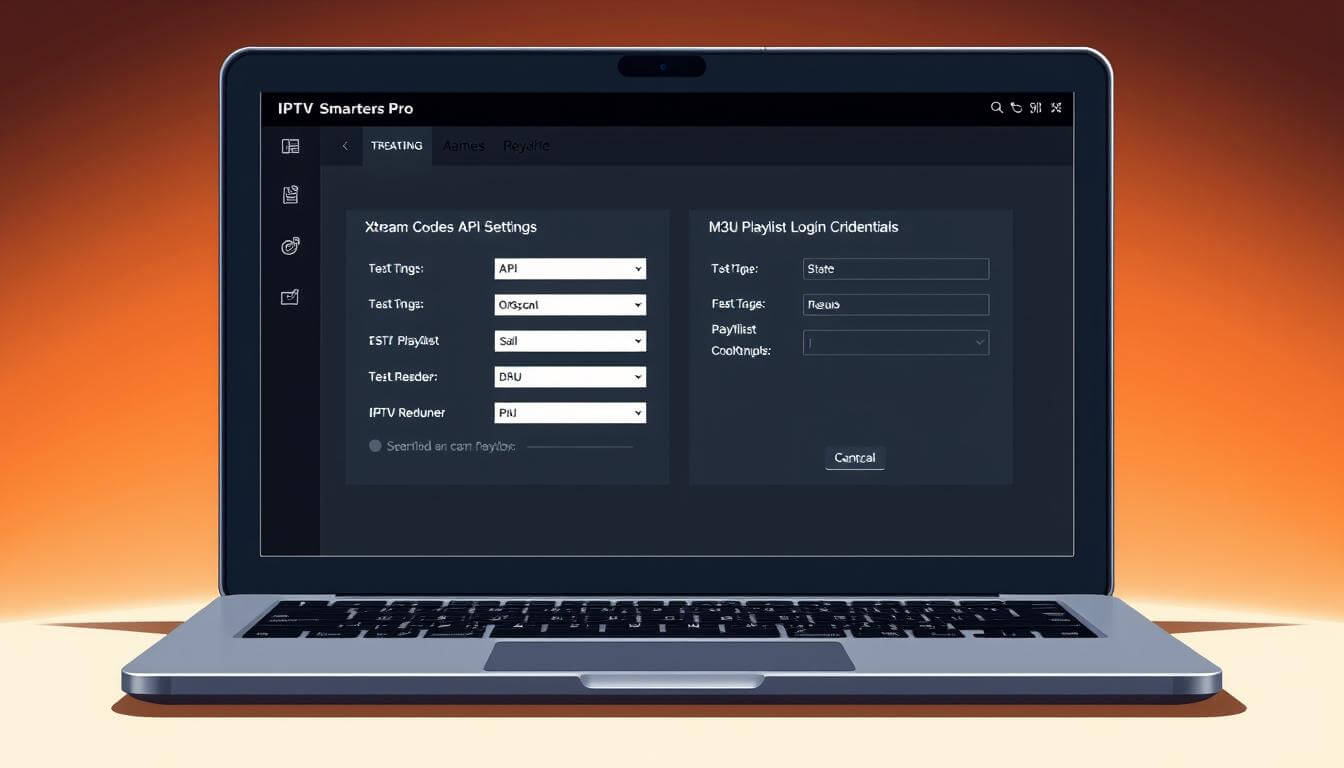
Millions of people around the world are using IPTV apps to watch their favorite TV shows and premium channels. IPTV Smarters Pro is a top choice because it’s easy to use and flexible. It lets users enjoy a wide range of content through two main ways: Xtream Codes API and M3U Playlist.
Knowing how to set up these login methods is key for a great viewing experience. In this article, we’ll look at the differences between Xtream Codes API and M3U Playlist. We’ll also show you how to set them up.
Direct download links:
1- Andoid: https://www.iptvsmarters.com/smarters.apk
2- Windows: https://www.iptvsmarters.com/download/?download=windows
3- Mac: https://www.iptvsmarters.com/download/?download=mac
Key Takeaways
- IPTV Smarter Pro is a popular IPTV app for streaming live TV and premium channels.
- Two primary login methods are available: Xtream Codes API and M3U Playlist.
- Configuring the right login method is essential for a smooth viewing experience.
- Xtream Codes API and M3U Playlist have different configuration processes.
- Understanding these differences is key to enjoying IPTV Smarter Pro.
What is IPTV Smarters Pro and How Does It Work
IPTV Smarter Pro is a top-notch IPTV player. It gives users a great viewing experience with its strong features and easy-to-use interface. It’s considered one of the best IPTV players out there. It lets users stream live TV and enjoy a huge library of on-demand content.
Key Features and Capabilities
IPTV Smarter Pro has many features that make watching TV better. These include:
- Support for multiple IPTV providers
- EPG (Electronic Program Guide) for easy navigation
- Customizable interface options
- Advanced parental controls
Supported Devices and Platforms
IPTV Smarter Pro works well with many devices and platforms. Users can watch their favorite shows on:
- Android devices
- iOS devices
- Smart TVs
- Streaming devices like Amazon Fire TV and Android TV
Subscription Requirements
To use IPTV Smarter Pro, you need a subscription to an IPTV service. This can be through Xtream Codes API or M3U playlist login. The app doesn’t offer free content. It’s a media player for IPTV services that users subscribe to.
Getting Started with IPTV Smarter Pro
Starting with IPTV Smarter Pro is easy, thanks to its simple design. This guide will help you download and install the app. You’ll also learn about the setup and the user interface.
Downloading and Installing the App
To use IPTV Smarter Pro, first download and install the IPTV app on your device. It works on Android, iOS, and other smart devices.
Go to the official website or your device’s app store. Search for “IPTV Smarter Pro” and follow the download steps.
Initial Setup Requirements
After installing, open the app and go to the registration or login page. If you’re new, create an account with some basic info.
If you already have an account, log in with your details. Make sure you have your subscription ready for the setup.
Understanding the User Interface
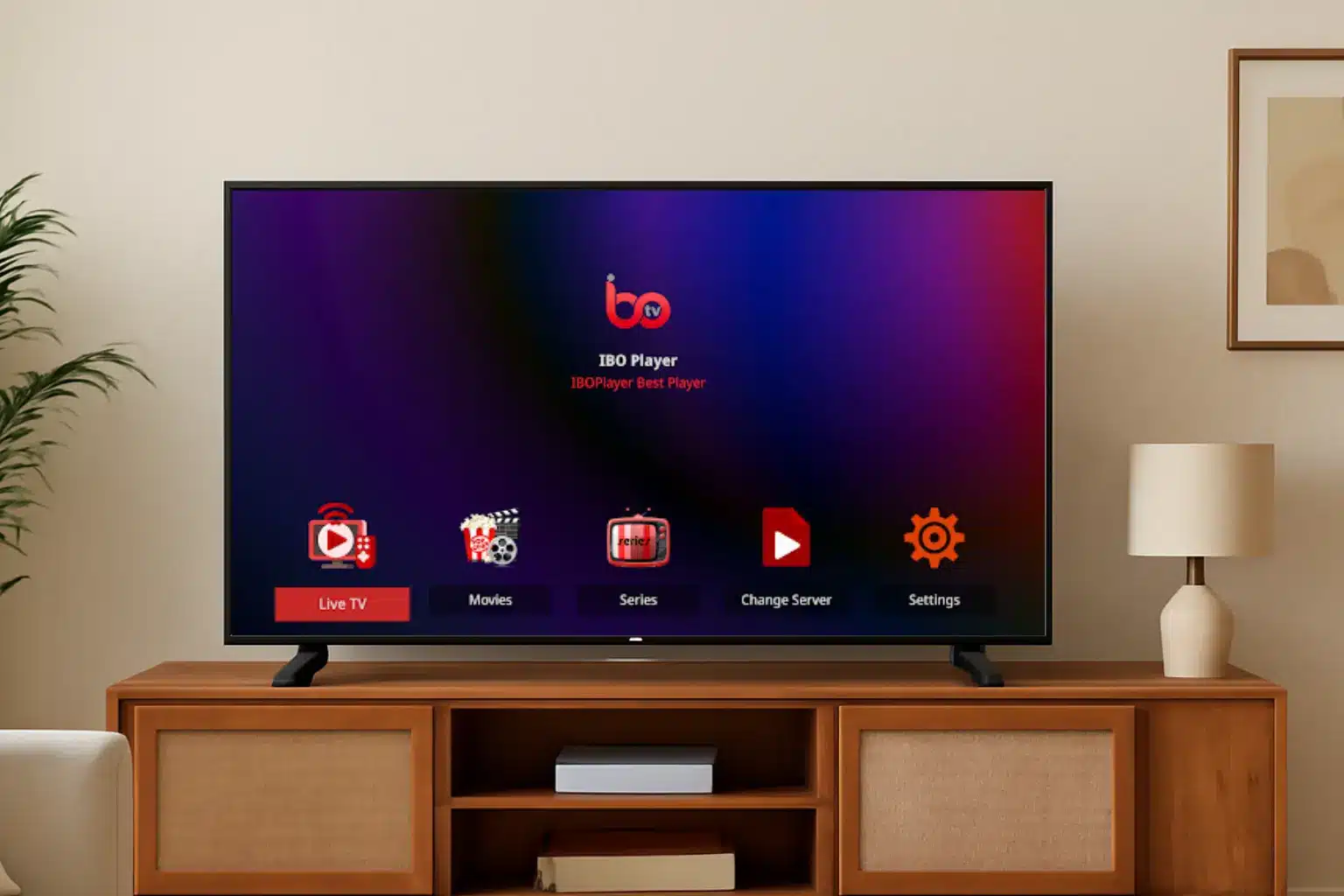
The IPTV Smarter Pro interface is easy to use. When you log in, you’ll see sections for live TV, movies, and series.
The app also has an electronic program guide (EPG). It helps you find channels and schedules, making internet TV viewing easier.
Understanding Login Methods: Xtream Codes vs M3U
The IPTV Smarters Pro app lets you log in two ways: Xtream Codes API and M3U Playlist. Knowing the difference between these is key for a smooth viewing experience.
Xtream Codes API Explained
The Xtream Codes API is a smart login method. It gives a detailed and interactive way to watch IPTV. It has features like:
- Real-time updates
- Advanced channel management
- Enhanced security measures
This is perfect for users who want lots of control over their IPTV.
M3U Playlist Login Explained
The M3U Playlist login uses a URL to access IPTV channels. It’s easy to set up and works well with many devices. Its benefits include:
- Simple configuration
- Compatibility with various devices
- Easy channel management
It’s ideal for those who want a quick and easy setup.
Key Differences Between the Two Methods
Choosing between Xtream Codes API and M3U Playlist depends on several factors. The main differences are in complexity, customization, and compatibility. Here’s a quick comparison:
- Xtream Codes API has advanced features and customization but needs technical knowledge.
- M3U Playlist is simpler but might miss some advanced features.
Understanding these differences helps users choose based on their needs and preferences.
Setting Up IPTV Smarters Pro with Xtream Codes API
Setting up IPTV Smarters Pro with Xtream Codes API is easy. You need some basic info and a few steps. This guide will help you get started with streaming live TV and on-demand content.
Required Information for Xtream Codes Login
First, gather the needed details from your IPTV provider. You’ll need the Server URL, Username, and Password. These are given when you sign up for the service.
Step-by-Step Configuration Process
To set up IPTV SmarterPro with Xtream Codes API, follow these steps:
- Entering Server URL: Open IPTV Smarter Pro and go to the login page. Choose Xtream Codes API and enter the Server URL from your provider.
- Adding Username and Password: Put in your Username and Password. Make sure they’re correct to avoid login problems.
- Verifying Connection: Click “Add User” or “Save” after entering your info. The app will check the connection. If it’s good, you’ll log in successfully.
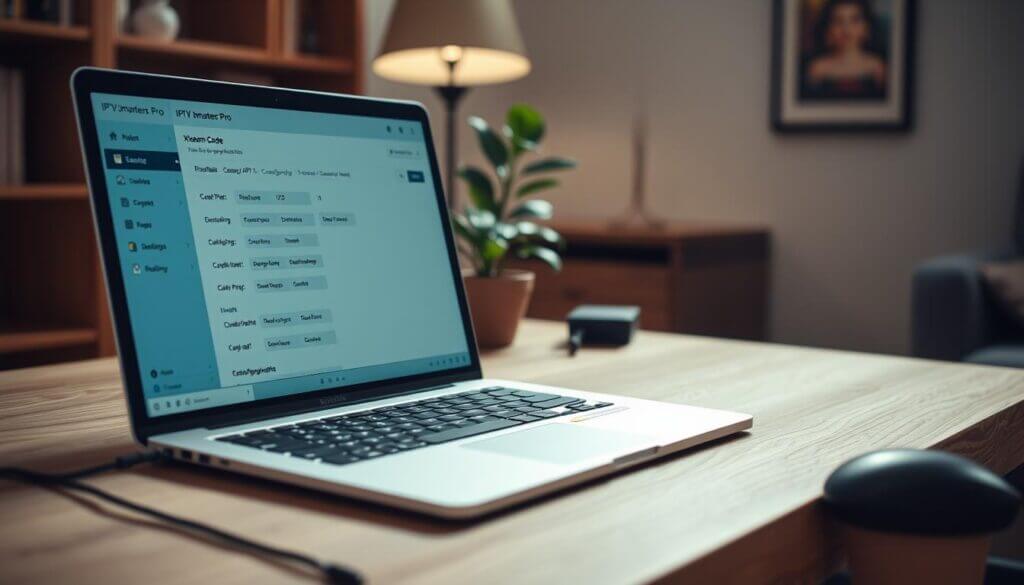
Make sure the Server URL is right. Wrong info can cause connection problems. The URL is usually something like http://example.com:8080.
Adding Username and Password
Double-check your Username and Password. If you’re not sure, check your IPTV provider’s details.
Verifying Connection
After entering your info, the app will try to connect. A successful connection means you’re ready to stream.
Advanced Xtream Codes Settings
After setting up Xtream Codes API, explore advanced settings in IPTV Smarters Pro. You can adjust playback settings, create favorites, and more.
IPTV experts say Xtream Codes API is a great way to stream live TV and on-demand content. By following these steps, you can enjoy a seamless streaming experience with IPTV Smarter Pro.
Setting Up IPTV Smarters Pro with M3U Playlist
The M3U playlist login method in IPTV Smarter Pro is a way to access your IPTV content. Here’s how to set it up. IPTV Smarters Pro is among the best IPTV player. It offers flexibility in configuring your IPTV experience.
Required Information for M3U Playlist Login
To set up IPTV Smarters Pro with an M3U playlist, you need some information. First, get the M3U URL from your IPTV service provider. You might also need an EPG (Electronic Program Guide) URL if your provider offers it.
Step-by-Step Configuration Process
Configuring IPTV Smarters Pro with an M3U playlist is easy. First, open the IPTV Smarters Pro app on your device. This could be a smart TV, smartphone, or streaming device.
Adding M3U URL
Go to the “Add User” section and choose “M3U Playlist” as the login method. Enter the M3U URL given by your IPTV service. This URL is key as it directs the app to the right playlist.
EPG URL Configuration
If your provider supports EPG, you can enter the EPG URL. This adds a program guide to your viewing experience. A user said, “With IPTV Smarter Pro, I can watch TV online easily, and the EPG feature is super useful!”
“IPTV Smarter Pro has changed how I watch TV. Its ease of use and features make it the best smart TV app I’ve used.”
Playlist Name and Description
You can also customize the playlist name and description if needed. This helps organize multiple playlists if you have more than one IPTV service.
Advanced M3U Playlist Settings
For advanced users, IPTV Smarter Pro has extra settings for fine-tuning your M3U playlist. You can adjust settings for buffering, playback, and more to improve your viewing experience.
By following these steps, you can enjoy your IPTV content using the M3U playlist method with IPTV Smarter Pro. It’s one of the best ways to watch TV online.
Comparing Performance: Xtream Codes vs M3U
Choosing between Xtream Codes API and M3U Playlist can change how you watch IPTV. Each has its own benefits and drawbacks. These include how fast it loads, how stable the streams are, how easy it is to find channels, and the EPG (Electronic Program Guide).
Loading Speed Comparison
Xtream Codes API loads faster because it connects directly to the IPTV server. M3U playlists might be slower because they use a URL hosted on less reliable servers. Faster loading times make Xtream Codes better for those with slow internet.
Stream Stability Differences
Stream stability is key. Xtream Codes API streams are more stable because they connect directly to the provider’s servers. M3U playlists are usually stable but can be affected by the hosting server’s quality. Reliable streams are vital for watching live events without interruptions.
Channel Organization and Navigation
Both Xtream Codes and M3U offer good channel organization. But Xtream Codes is easier to navigate because it connects directly to the server.
EPG (Electronic Program Guide) Functionality
The EPG is important for planning your TV schedule. Xtream Codes has better EPG data than M3U playlists. This makes it easier to plan your TV watching.
In summary, while both options have their advantages, Xtream Codes is better for fast loading and stable streams. It’s a premium choice for live streaming TV.
Customizing Your IPTV Smarter Pro Experience
IPTV Smarter Pro lets you customize your streaming experience. You can make the app more intuitive and fun to use by personalizing it.
Personalizing the Interface
You can change the look of IPTV Smarter Pro to fit your taste. Choose different themes, adjust the layout, and customize channel info display.
Creating Favorites and Categories
Organizing channels into favorites and categories makes finding content easier. You can make custom categories for sports, movies, or news.
- Create custom categories for your favorite channels
- Add channels to your favorites list for quick access
- Organize your channels for a more streamlined viewing experience
Adjusting Playback Settings
IPTV Smarter Pro lets you tweak playback settings for better viewing. Adjust buffer size, player type, and aspect ratio for optimal video quality.
Parental Controls and Restrictions
IPTV Smarter Pro has parental controls for a safe viewing environment. You can set PIN-protected access to channels or categories, based on maturity levels.
Customizing your IPTV Smarter Pro experience makes streaming more personal and controlled. Enjoy your internet tv and stream live tv services to the fullest.
Troubleshooting Xtream Codes Login Issues
When you face login problems with Xtream Codes on IPTV Smarter Pro, it’s key to know the common issues and how to fix them. Xtream Codes API is a top choice for getting into IPTV services, with lots of premium channels. But, users might hit roadblocks when trying to log in.
Authentication Errors
Authentication errors pop up when your username or password is wrong. Make sure you’re typing it right. If you’re stuck, reach out to your IPTV server provider to check if your subscription is active.
Server Connection Problems
Server connection issues can block your login. First, check if the server is down with your IPTV service provider. Also, make sure your internet is working well.
Channel Loading Issues
Channels might not load right after you log in. This could be because of problems with the channel list or EPG (Electronic Program Guide). Try refreshing the channel list or get in touch with your provider for updated M3U playlist or Xtream Codes API details.
Common Error Messages and Solutions
- Error 401: Unauthorized – Double-check your username and password.
- Error 404: Not Found – Make sure the server URL is correct with your provider.
- Buffering Issues – Check your internet connection is strong enough for streaming.
By tackling these common problems, you can usually fix Xtream Codes login issues on IPTV Smarter Pro. This will get you back to enjoying your favorite IPTV server and premium channels.
Troubleshooting M3U Playlist Login Issues
Fixing M3U playlist login problems is key for a smooth viewing experience on IPTV app. It’s one of the best IPTV player out there.
URL Format Problems
One common issue is the wrong URL format. Make sure your M3U playlist URL starts with “http://” or “https://”. A small mistake in the URL can cause login failures.
EPG Synchronization Issues
EPG (Electronic Program Guide) sync problems can happen too. If your EPG isn’t updating right, check your EPG URL in the app settings. This helps you get the latest program info.
Playlist Not Loading
If your M3U playlist won’t load, check if the URL is working. Try opening it in a web browser. If it doesn’t work, reach out to your IPTV server provider for help.
Fixing Buffering and Playback Problems
Buffering and playback issues can be annoying. To fix them, adjust the buffer settings in IPTV Smarter Pro. Lowering the buffer size can make playback smoother. This improves your experience as you watch TV on line.
Keeping Your IPTV App Updated
To have a smooth IPTV experience, updating your IPTV Smarter Pro app is key. Updates often bring bug fixes, better performance, and new features. These changes make your viewing experience better.
Benefits of Regular Updates
Regular updates offer many advantages, including:
- Improved stability and performance
- Enhanced security features
- New features and functionalities
- Better compatibility with various devices and platforms
How to Update the App
To update IPTV Smarters Pro, just follow these steps:
- Open the app store on your device (e.g., Google Play Store for Android or App Store for iOS).
- Search for “IPTV Smarters Pro” and check if an update is available.
- Click the “Update” button to download and install the latest version.
Compatibility Issues After Updates
After updating, some users might face compatibility problems. To fix these, make sure your device meets the app’s minimum requirements. Then, restart the app.
Conclusion
Setting up IPTV Smarters Pro right is key for a great viewing experience. It lets you watch live TV and enjoy premium channels easily. Choose the best login method, like Xtream Codes API or M3U Playlist, for a top-notch IPTV server.
IPTV Smarters Pro has lots of ways to make your viewing better. You can change the look, make favorites, and organize channels. You can also tweak playback settings and add parental controls for a safe and smooth watch.
By following this guide, you can get the most out of IPTV Smarters Pro. Enjoy your favorite shows and channels with ease. Check out all the features and settings to make your IPTV experience even better.
FAQ
What is IPTV Smarters Pro, and is it compatible with my device?
IPTV Smarters Pro is a top IPTV player for streaming live TV, movies, and series. It works on many devices like Android TV boxes, smartphones, and tablets. It supports both Android and iOS.
How do I configure IPTV Smarters Pro with Xtream Codes API?
To set up IPTV Smarters Pro with Xtream Codes API, enter your server URL, username, and password. Follow the step-by-step guide in the article for a detailed setup.
What is the difference between Xtream Codes API and M3U Playlist login methods?
Xtream Codes API and M3U Playlist are two ways to access IPTV content. Xtream Codes API offers a stable connection. M3U Playlist uses a URL to access the playlist.
Why is my IPTV Smarters Pro not loading channels or showing an authentication error?
If IPTV Smarters Pro isn’t working, check your internet connection. Make sure your login details are correct. Also, confirm your IPTV subscription is active. See the troubleshooting sections for more help.
Can I customize the IPTV Smarters Pro interface and create favorites?
Yes, you can customize IPTV Smarters Pro. You can personalize the interface, create favorites, and adjust playback settings. Explore the options to make your IPTV experience better.
How do I update IPTV Smarters Pro to the latest version?
To update IPTV Smarters Pro, check your app store for updates. Updates bring new features and bug fixes. This improves your IPTV experience.
What should I do if I encounter buffering or playback issues with IPTV Smarters Pro?
For buffering or playback issues, check your internet speed. Adjust the buffer settings in the app. Or try switching to a different server. See the troubleshooting sections for more help.
Is IPTV Smarters Pro compatible with my smart TV?
IPTV Smarters Pro is available on many platforms, including Android TV. If your smart TV uses Android TV, you can install IPTV Smarters Pro. Check your smart TV’s app store to see if it’s available.