If you’re looking for a simple way to watch IPTV on Smart TVs, Android boxes, or FireStick devices, IBO Player is a popular option. It’s lightweight, fast, and designed to work with IPTV playlists. In this guide, you’ll learn how to install the app, activate your device, and upload your playlist in just a few minutes.
This tutorial is perfect for anyone who wants a clean, easy-to-use IPTV player without complicated settings.
What Is IBO Player?
IBO Player is an IPTV-compatible application that allows you to load your own playlist from any provider. The app does not include content by default; you must add your M3U or Xtream codes to access live TV, movies, and series. Because of its stability and compatibility with major smart TV brands, it has become a preferred choice for many IPTV users.
It offers a smooth interface, fast loading, and support for multiple formats, making it suitable for both beginners and advanced users.
Devices That Support the Application
One of the strengths of this app is its wide compatibility. You can install it on:
- Samsung TVs
- LG Smart TVs
- Android TVs
- Android phones and tablets
- FireStick and Fire TV
- Certain iOS devices depending on region
This flexibility makes it easy to watch IPTV on almost any screen you own.
How to Install the App
The installation process depends on your device, but the steps are straightforward.
Smart TVs
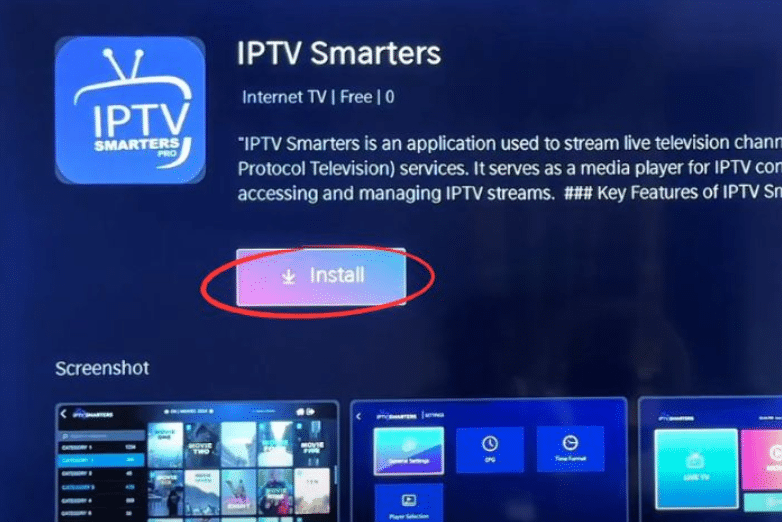
Open your TV’s app store, search for the application, and install it. Both Samsung and LG stores include it.
Android Devices
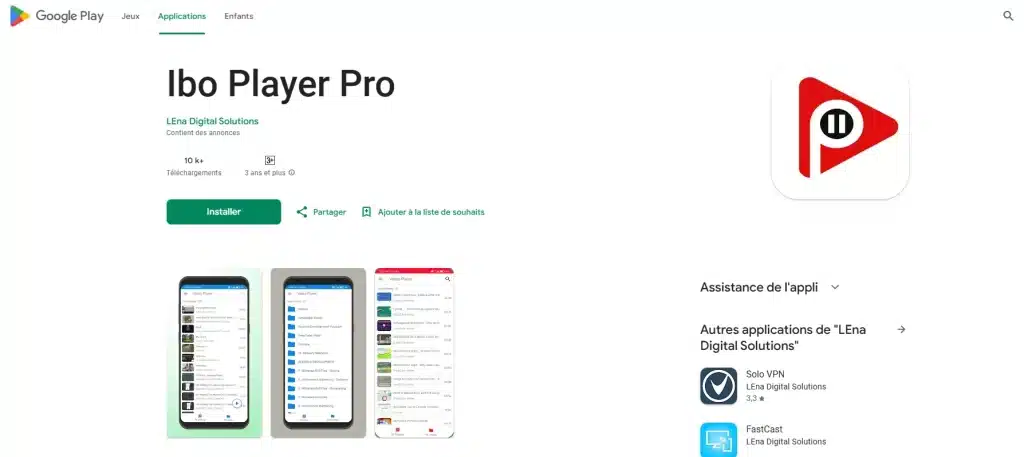
On Android phones, tablets, or Android TV boxes, search for the app in the Google Play Store and install it.
FireStick
On FireStick, installation may require downloading the app through an APK installer if it is not listed in the Amazon store.
Once installed, open the app to begin linking your device.
Device ID and Activation
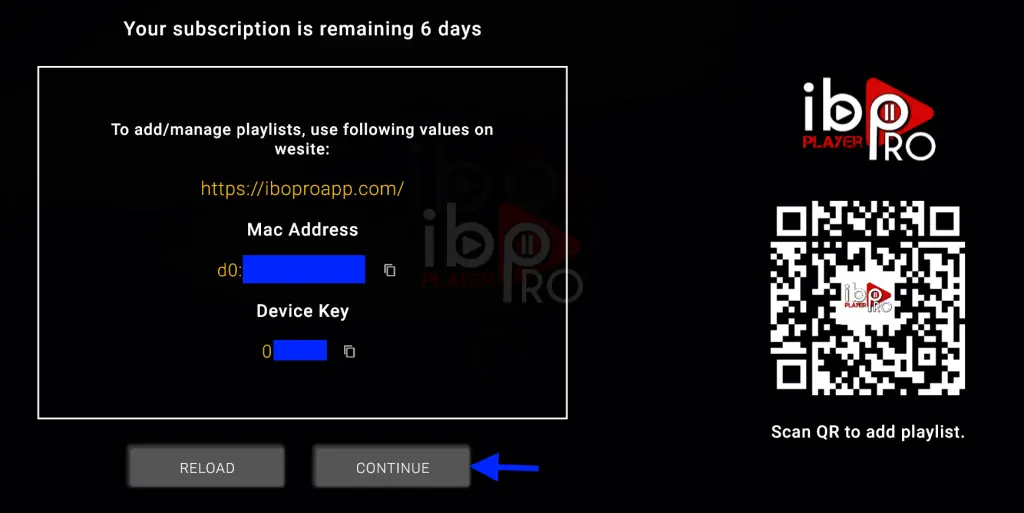
When the app launches for the first time, it will display:
- A Device ID
- A Device Key
These two codes are important because they allow you to activate the app and connect your IPTV playlist. Make sure to write them down or keep them visible on your screen.
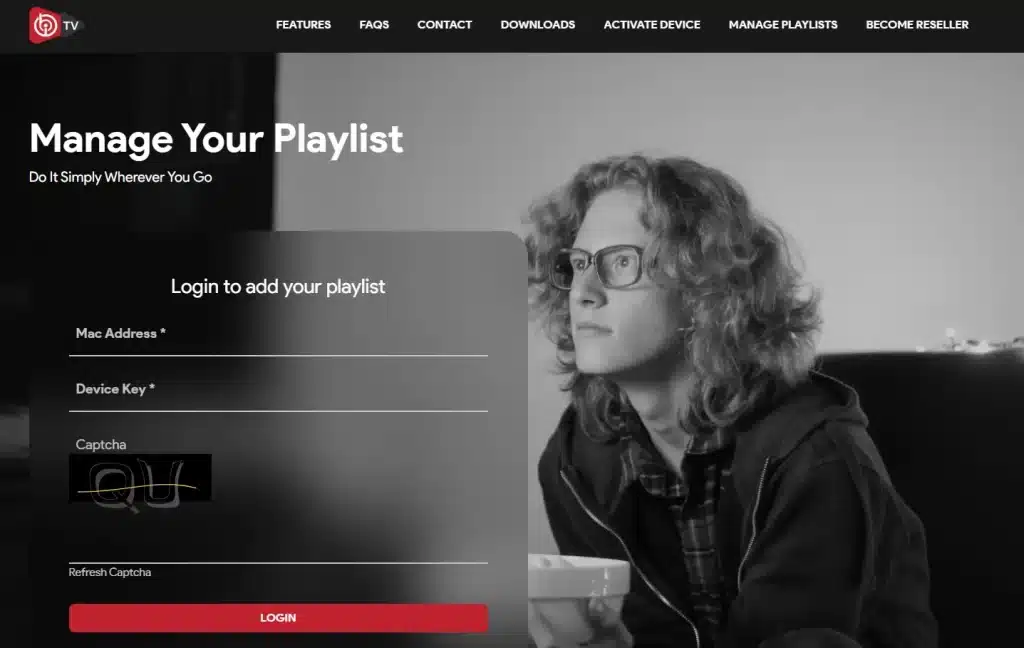
To activate the app, visit the official website through a browser and enter your codes. Activation may include a trial period or a one-time license depending on the version you use.
Adding Your IPTV Playlist
After activation, you can upload your IPTV subscription in two ways:
Method 1: M3U Playlist Link
Paste your M3U link into the playlist section. After saving, restart the app to load your channels and VOD.
Method 2: Xtream Codes
Enter the server URL, username, and password provided by your IPTV service. This method usually loads faster and supports EPG more effectively.
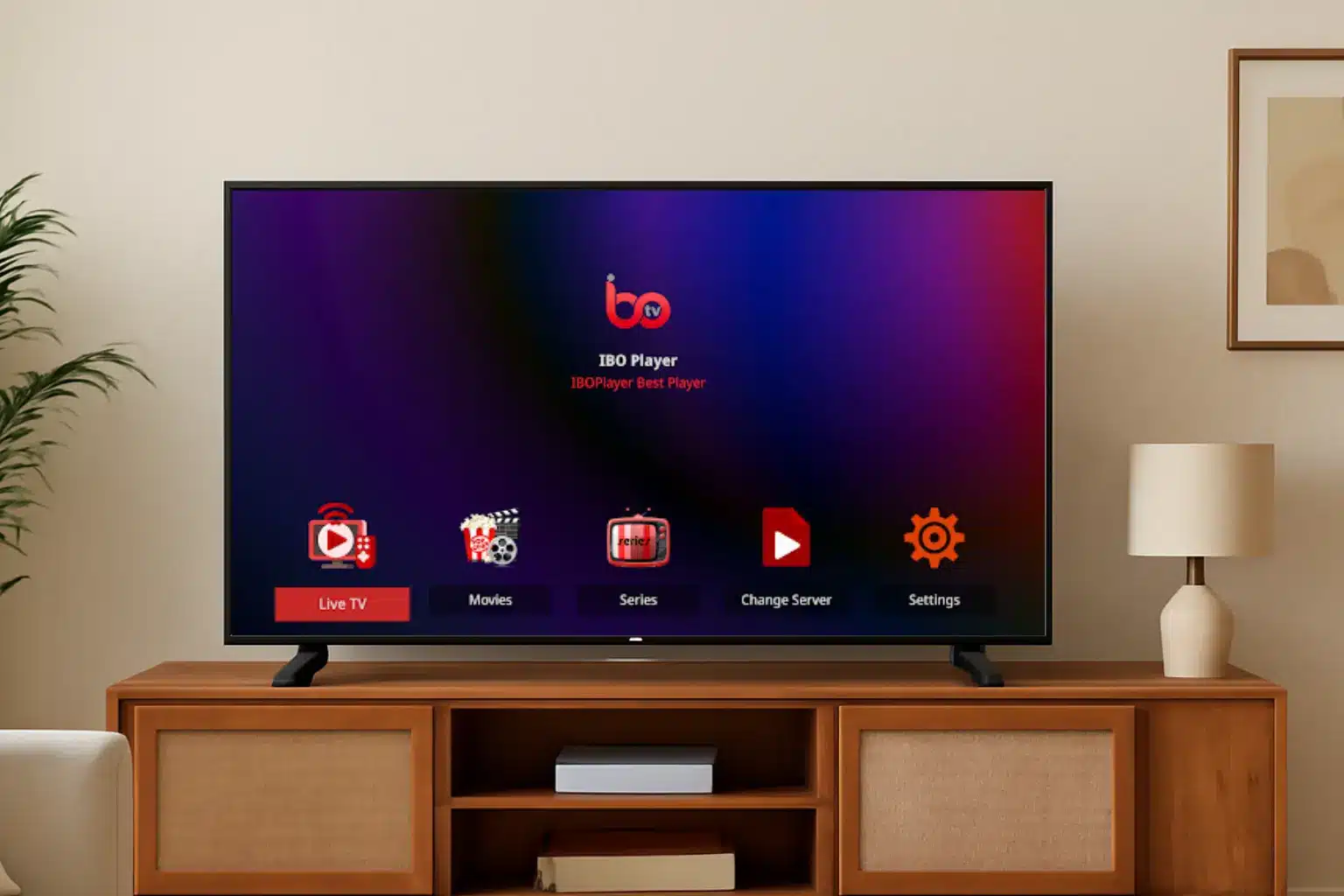
Once the playlist is added, the interface will display categories like Live TV, Movies, Series, and EPG.
Features That Make the App Useful
The application is known for its simplicity, but it still includes useful functions such as:
- Fast channel switching
- Support for M3U and Xtream formats
- A clean user interface
- Good stability on smart TVs
- Compatible with HD and 4K streams depending on your provider
These features make it ideal for users who want a reliable IPTV player without complicated settings.
Troubleshooting Tips
If your channels do not load or the app does not display content:
- Check that your playlist link is correct
- Restart your device after adding the playlist
- Make sure your internet connection is stable
- Confirm your subscription is active
- Verify that your Device ID and Key were entered correctly
Most issues are caused by incorrect playlist credentials or outdated links.
Conclusion
IBO Player is an excellent choice for anyone who wants a smooth and simple IPTV experience. It works on a wide range of devices and supports both M3U and Xtream formats, making it compatible with most IPTV providers. Once installed and activated, the app delivers a clean, responsive interface with easy navigation and fast loading.
If you need a reliable media player for IPTV, this application offers a solid, user-friendly solution for daily streaming.